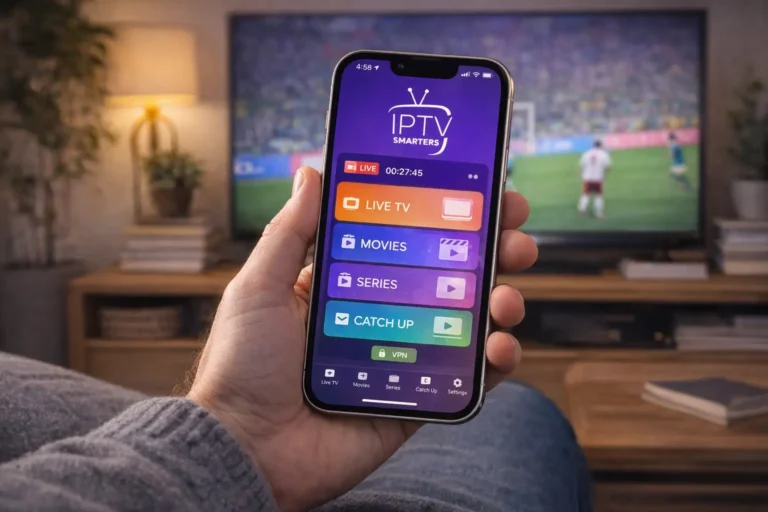
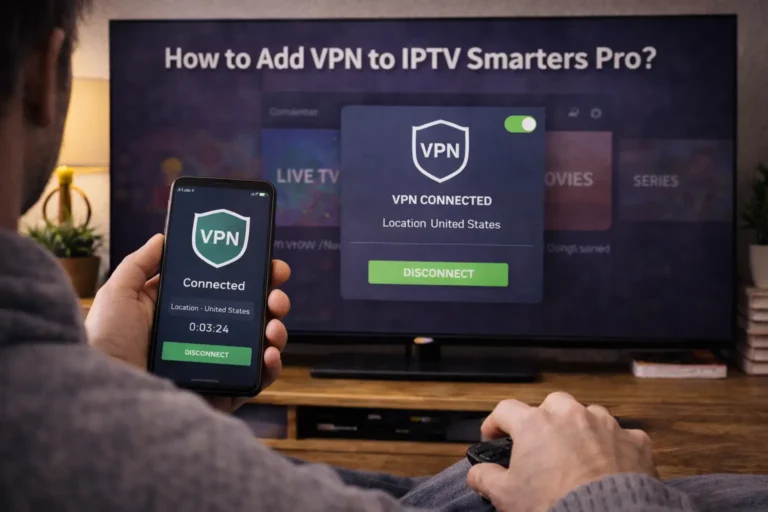
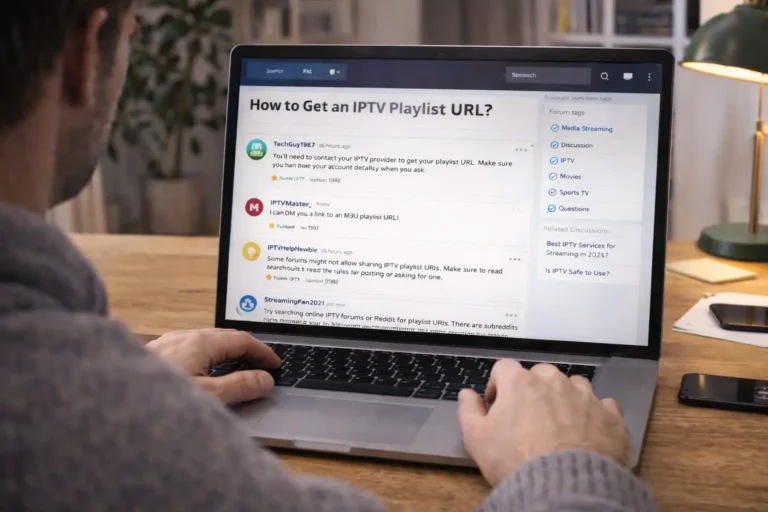
Testing an IPTV service before subscribing involves requesting a free trial, evaluating channel quality, checking streaming stability, and assessing customer support responsiveness. This process helps you avoid unreliable providers and ensures you invest in a service that meets your viewing needs.
A trustworthy IPTV Subscription provider will confidently offer trial periods because they stand behind their service quality. Taking 24 to 48 hours to properly test a provider can save you months of frustration with buffering streams, missing channels, or poor support.
Follow these five essential steps to make an informed decision before committing your money.
Step 1: Research the Provider’s Reputation
Before requesting any trial, investigate the IPTV provider’s credibility and track record online.
- Search for reviews on forums, Reddit communities, and tech blogs.
- Look for providers that have been operating for at least 1-2 years.
- Check if they have an active social media presence and engaged community.
- Avoid providers with excessive negative reviews mentioning scams or sudden shutdowns.
- Verify they have a professional website with clear contact information.
- Look for transparent pricing with no hidden fees or confusing terms.
- Confirm they offer multiple payment options including secure methods.
- Read their refund policy carefully before proceeding.
Step 2: Request a Free Trial or Short-Term Plan
Legitimate providers typically offer trial options so you can experience their service firsthand.
Contact the provider through their website, email, or messaging platform.
Ask specifically for a free trial period — most offer 24 to 48 hours.

If no free trial exists, inquire about a low-cost 24-hour or weekly test plan.
Provide only necessary information, avoid providers asking for excessive personal data.
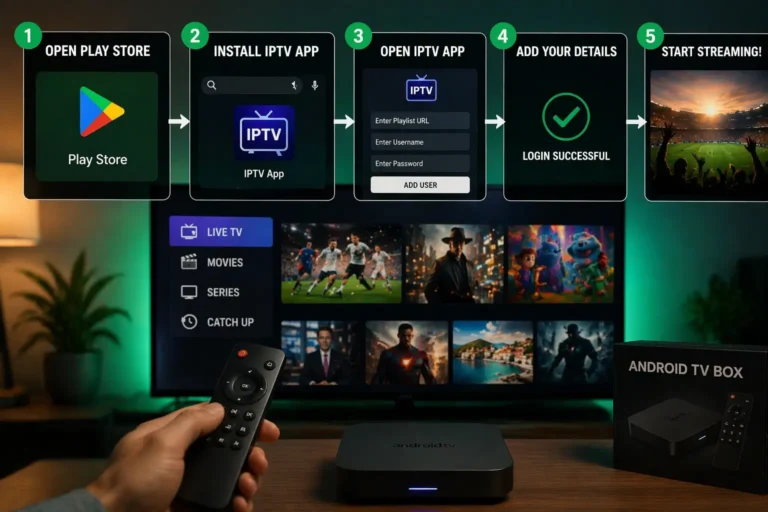
Receive your trial credentials via email: M3U URL or Xtream Codes login.
Note the exact start and end time of your trial period.
If you’re unsure whether IPTV fits your needs, read is IPTV worth it in 2026 for guidance.
Step 3: Test Channel Quality and Stream Stability
During your trial, systematically evaluate the core streaming performance across different content.
Install the provider’s recommended app on your preferred device.
Test at least 10-15 channels across different categories: sports, movies, news, international.
Check video quality, streams should offer clear HD or 4K resolution.
Watch each channel for at least 5 minutes to detect buffering issues.
Test during peak hours (evenings and weekends) when servers are busiest.
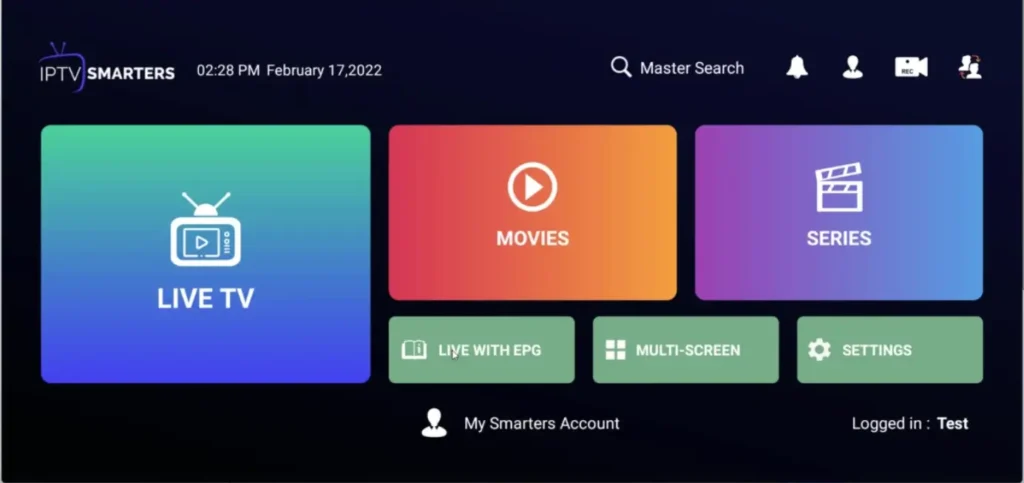
Verify that the Electronic Program Guide (EPG) displays accurate scheduling.
Confirm that Video on Demand (VOD) content loads quickly and plays smoothly.
Run a speed test at Speedtest.net to rule out your own connection issues.
Step 4: Evaluate the App Interface and Features
A quality IPTV service should offer an intuitive, well-designed viewing experience.
Assess how easy it is to navigate between channel categories.

Check if the favorites and playlist organization features work properly.
Test the search function to find specific channels or content quickly.
Verify catch-up TV functionality if advertised , try rewinding live content.
Confirm multi-device compatibility by testing on TV, phone, or tablet.
Step 5: Test Customer Support Responsiveness
Reliable customer support is crucial when technical issues arise after subscribing.
Send a test message to customer support with a simple question.
Note how long they take to respond, quality providers reply within hours.
Evaluate the helpfulness and clarity of their response.
Check if they offer multiple support channels: live chat, email, WhatsApp, or Telegram.
Ask a technical question to gauge their expertise level.
Inquire about their process for handling outages or channel issues.
Confirm support availability — 24/7 support is ideal for different time zones.
Avoid providers with slow, rude, or unhelpful support teams.
Frequently Asked Questions
How long should I test an IPTV service?
A minimum of 24 hours is essential, but 48-72 hours gives you a better understanding of consistency across different times.
What if a provider doesn’t offer free trials?
Look for low-cost short-term plans like 24-hour or 3-day options as an alternative to full monthly subscriptions.
Which channels should I test first?
Start with HD sports channels and live news — these are the most demanding and reveal streaming quality issues fastest.
Is buffering during a trial a bad sign?
Occasional buffering may be your internet, but consistent buffering across multiple channels indicates poor server quality.
Should I test on multiple devices?
Yes, testing on your main viewing device plus one additional device ensures compatibility with your setup.
What internet speed do I need for accurate testing?
At least 25 Mbps for HD and 50 Mbps for 4K testing ensures your connection isn’t the limiting factor.
Can I get a refund if I subscribe and it doesn’t work?
Reputable providers offer refund policies, but always confirm the terms before paying for a full subscription.
Read more about choose a reliable IPTV provider.
For additional details, explore options for the best iptv subscription for canada.