Yes, your internet provider (ISP) can block or throttle IPTV traffic, they do this by detecting streaming data packets, restricting specific ports, or using deep packet inspection (DPI) to identify and slow down IPTV connections. This is one of the most common reasons IPTV users experience buffering, freezing, or complete service outages even when their internet speed is fast.
The good news is that there are simple and legal ways to bypass these restrictions and restore smooth playback. If you have a reliable Experience a premium viewing experience by opting for a quality iptv subscription for canadians. and still experience constant issues, your ISP is very likely the cause. Below, we break down exactly how ISPs block IPTV, how to detect it, and what you can do about it.
How Does an ISP Block or Throttle IPTV?
Your ISP can identify IPTV traffic using a technology called deep packet inspection (DPI), which analyzes the type of data flowing through your connection in real time. Once detected, they either slow it down (throttling) or block it entirely by restricting the ports and protocols IPTV servers use.
Some ISPs also use DNS filtering to prevent your device from resolving IPTV server addresses, which makes channels fail to load without any clear error message. This usually happens during peak hours when network demand is highest and the ISP wants to prioritize other types of traffic over streaming.
How Can You Tell If Your ISP Is Blocking IPTV?
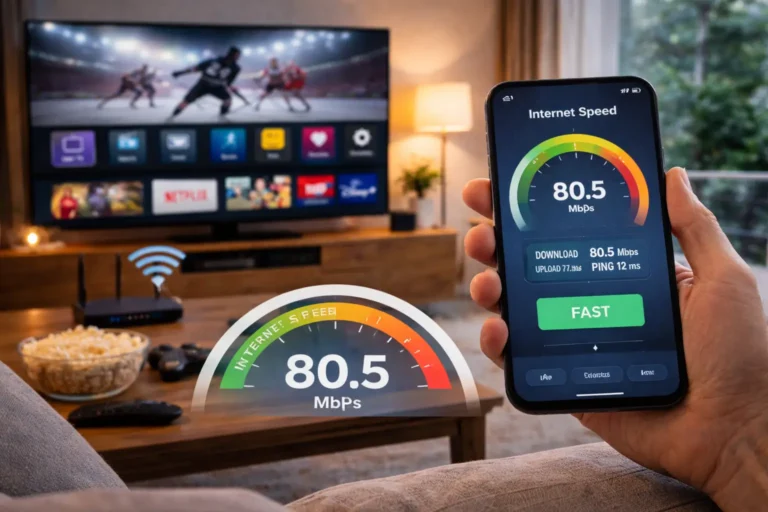
The clearest sign is when your IPTV buffers or refuses to load despite having a fast, stable internet connection, run a speed test first to rule out bandwidth issues. If regular websites work perfectly but your IPTV app struggles, your ISP is likely targeting IPTV traffic specifically.
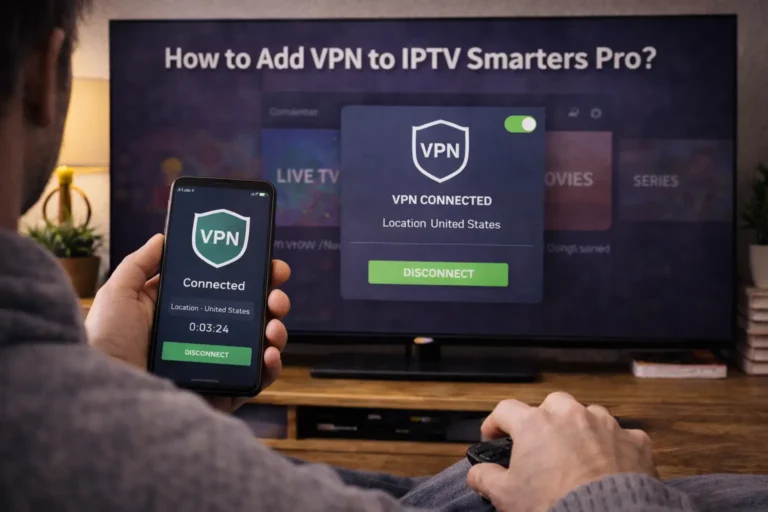
Another way to confirm is to connect to a VPN and try again: if IPTV suddenly works without buffering through the VPN, that proves your ISP was throttling or blocking the unprotected connection. You can also try switching from Wi-Fi to mobile data as a quick test, if IPTV works fine on a different network, the issue is with your home ISP.
Can a VPN Bypass ISP IPTV Blocking?
Yes, a VPN is the most effective and widely used solution to bypass ISP blocking and throttling of IPTV. A VPN encrypts all your internet traffic so your ISP cannot see what type of data you are sending or receiving, they only see encrypted packets going to a VPN server, making it impossible to single out IPTV streams.
For best results, choose a premium VPN with fast servers, unlimited bandwidth, and a no-log policy such as ExpressVPN, NordVPN, or Surfshark. Simply connect to a VPN server before opening your IPTV app, and all your streaming traffic will pass through the encrypted tunnel without your ISP interfering. This makes choosing a reliable IPTV provider even more important.
What Other Methods Help Avoid ISP Restrictions?
Beyond a VPN, switching your DNS settings to a third-party provider like Cloudflare (1.1.1.1) or Google (8.8.8.8) can help if your ISP uses DNS-level blocking to prevent access to IPTV servers. Some users also find success by changing the streaming port in their IPTV app settings or asking their provider for an alternative server URL that has not been flagged by ISPs.
Using HTTPS-based playlists instead of standard HTTP ones adds a layer of encryption that makes it harder for ISPs to detect the IPTV traffic. Finally, connecting your device through a Smart DNS proxy service is a lighter alternative to a full VPN when speed is your top priority.
Is It Legal to Bypass ISP IPTV Blocking?
Using a VPN for IPTV or changing your DNS settings to access IPTV is legal in most countries, you are simply protecting your internet privacy, which is your right as a consumer. ISPs throttle traffic for business reasons, not legal ones, so bypassing throttling does not make you liable for anything.
However, the legality of IPTV itself depends on the service you use: legitimate providers that license their content are fully legal, while unauthorized services that pirate channels operate in a gray area. To stay safe, always use a licensed IPTV provider and pair it with a VPN for privacy and performance, this combination keeps you on the right side of the law while delivering the best streaming experience.
Frequently Asked Questions (FAQ)
Can my ISP see that I am watching IPTV?
Yes, without a VPN your ISP can detect IPTV traffic through deep packet inspection. A VPN encrypts your data and makes it invisible to your provider.
Will a free VPN work to bypass ISP IPTV blocking?
Free VPNs usually have slow speeds, data caps, and limited servers that make them unsuitable for live TV streaming. A paid VPN is strongly recommended.
Why does my IPTV buffer only at night?
ISPs often throttle streaming traffic during peak evening hours when network demand is highest. Using a VPN during those times typically solves the problem.
Can changing my DNS fix IPTV blocking?
It can help if your ISP uses DNS-level blocking. Switch to Cloudflare (1.1.1.1) or Google DNS (8.8.8.8) in your device’s network settings and test again.
Does my ISP block IPTV on all devices?
Yes, ISP blocking affects your entire home network. Any device connected to your router — phone, TV, Firestick — will experience the same restrictions. Consider setting up IPTV on Firestick with built-in VPN support for enhanced privacy and to bypass ISP restrictions.
Can my ISP block IPTV if I use a VPN?
It is extremely difficult. A VPN encrypts all traffic so your ISP cannot identify what you are streaming. Some ISPs may try to block known VPN servers, but switching servers usually fixes that.
Should I contact my ISP about IPTV blocking?
You can, but most ISPs will not admit to throttling specific services. Using a VPN is a faster and more reliable solution than waiting for your ISP to change its policies.