An IPTV playlist URL is a direct link (usually in M3U or M3U8 format) that contains all the channel streams your IPTV service provides, once loaded into a compatible player, it gives you instant access to live TV, movies, and on-demand content without a cable box.
To get one, you either receive it from your IPTV provider after subscribing, generate it from your provider’s dashboard, or use a free public playlist (less reliable). A trusted provider like To easily get iptv for canada and find comprehensive information, visit our website. typically delivers your playlist URL by email within minutes of purchase, along with setup instructions for every device. Below is a complete, step-by-step breakdown of how to obtain, test, and use your IPTV playlist URL.
1. Choose a Reliable IPTV Provider
1 . Research providers with good uptime, HD/4K channels, and responsive support before subscribing.
2. Look for providers that explicitly offer M3U playlist URLs (not every service does).
3. Check user reviews on Reddit, Trustpilot, or IPTV forums for real feedback.
4. Verify the provider supports your device, Smart TV, Firestick, Android, iOS, or PC.
5. Avoid providers with no website, no refund policy, or suspiciously low prices, they often disappear overnight.
2. Subscribe and Create Your Account
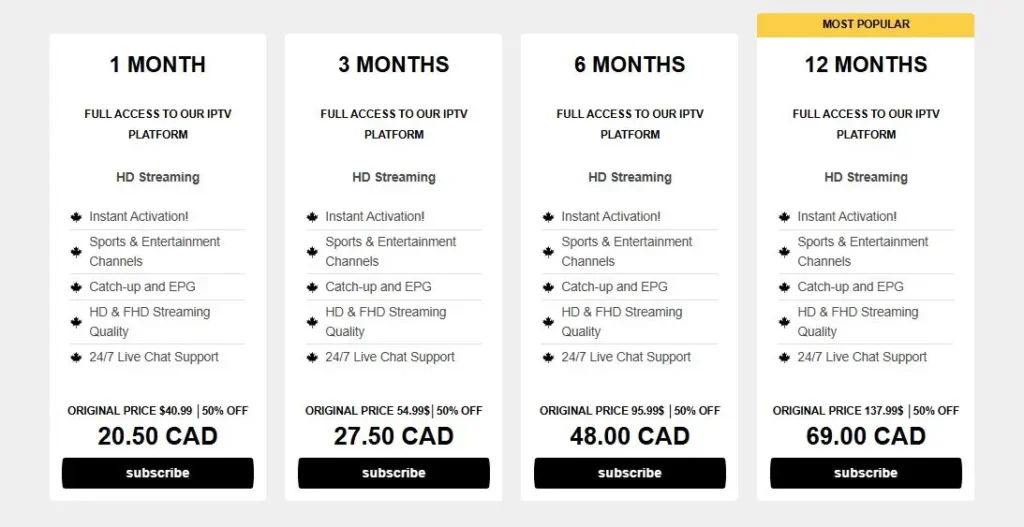
1. Go to the provider’s website and select a subscription plan that fits your needs.
2. Complete the payment using the available methods (PayPal, credit card, crypto, etc.).
3. Create your account with a valid email address, this is where your playlist URL will be sent.
4. Check your inbox (and spam folder) for the welcome email containing your credentials.
5. Log in to the provider’s client portal or dashboard to access your subscription details.
3. Locate or Generate Your M3U Playlist URL
1. Open the provider’s dashboard and look for a section labeled “Playlist“, “M3U Link“, or “DNS URL“.
2. Copy the full URL, it usually looks like: http://provider.com:port/get.php?username=XXX&password=XXX&type=m3u_plus.
3. If no URL is visible, check the welcome email, many providers include it directly in the message.
4. Some providers require you to click a “Generate” button to create a fresh playlist link.
5. Save the URL in a safe place, you will need it every time you set up a new device or player.
4. Load the Playlist URL Into Your IPTV Player
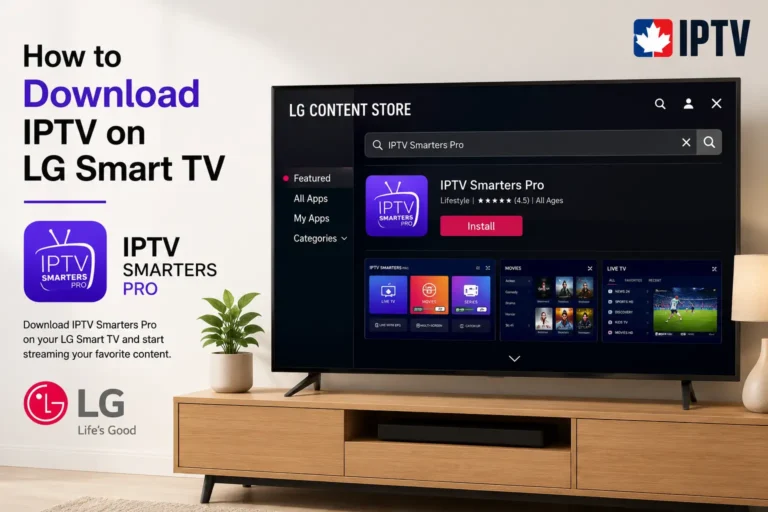
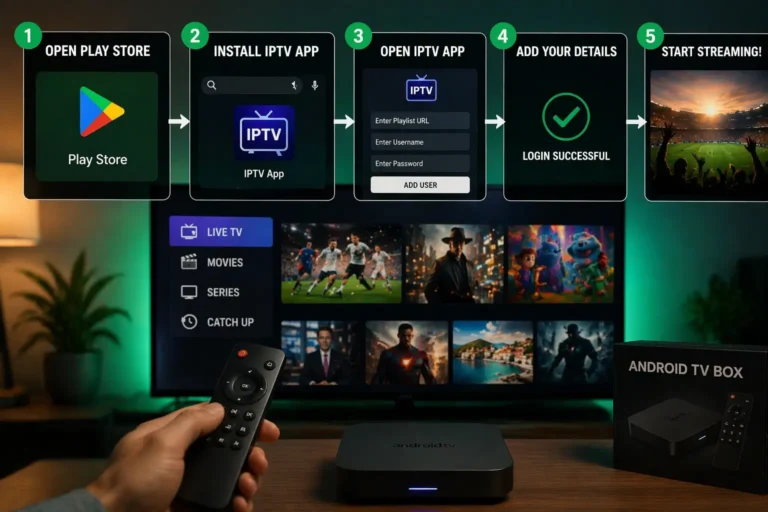
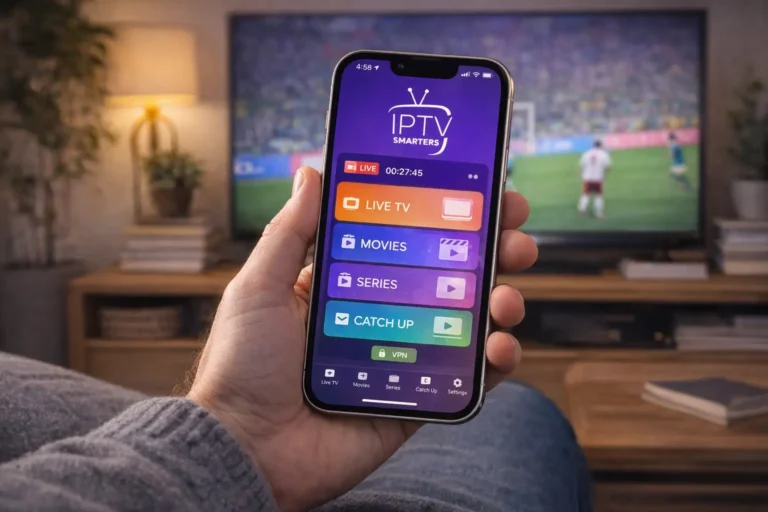
1. Download a compatible IPTV player on your device (VLC, IPTV Smarters, TiviMate, GSE Smart IPTV, etc.).

2. Open the player and find the option to add a playlist via URL or M3U link.

3. Paste your full playlist URL into the field and tap “Add” or “Load“.
4. Wait for the channel list to populate, this can take a few seconds depending on the playlist size.
5. If channels don’t load, double-check the URL for typos or extra spaces and try again.
5. Test and Troubleshoot Your Playlist
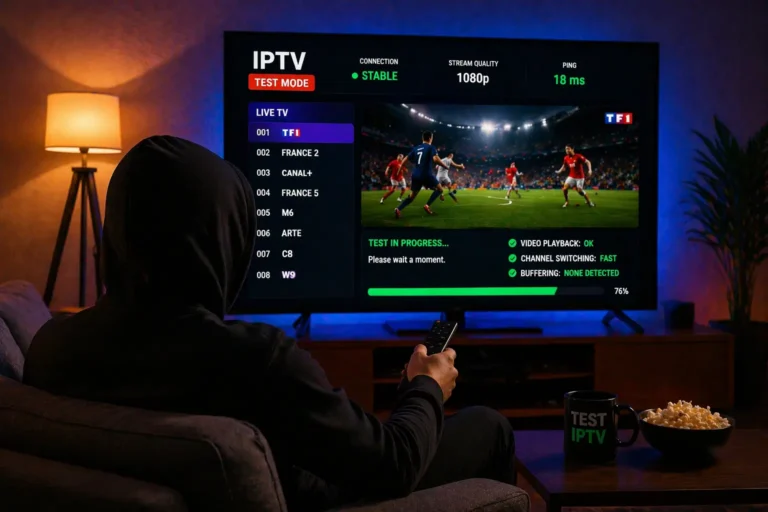
1. Play several channels across different categories (sports, news, movies) to confirm they work.
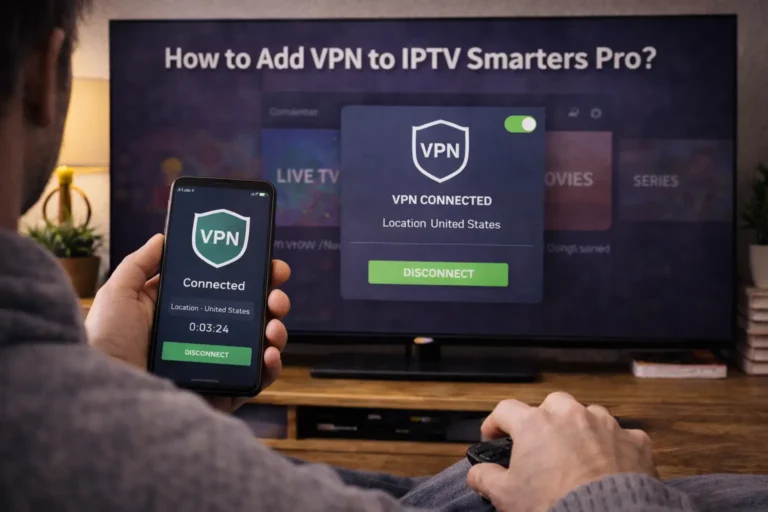
2. If buffering occurs, connect to a VPN or switch to a wired internet connection for stability.
3. Restart the player or clear its cache if some channels show a black screen.
4. Contact your provider’s support if large groups of channels are down, the server may need a refresh.
5. Re-generate or request a new playlist URL if your current one expires or stops working after a password change.
Frequently Asked Questions (FAQ)
What is an IPTV playlist URL?
It is a web link (M3U/M3U8 format) that contains all your IPTV channel streams. You paste it into an IPTV player to access live TV and on-demand content.
Is an IPTV playlist URL free?
Free public playlists exist but are unreliable and often go offline. Paid providers deliver stable, high-quality URLs included with your subscription.
How long does it take to receive my playlist URL?
Most providers send it within 5 to 30 minutes after payment. Check your email inbox and spam folder if you don’t see it right away.
Can I use the same playlist URL on multiple devices?
That depends on your provider’s policy. Some allow 1–2 simultaneous connections per URL, while others offer multi-device plans for an extra fee.
What IPTV player should I use to load the URL?
Popular choices include VLC Media Player (free, all platforms), TiviMate (Android/Firestick), IPTV Smarters Pro, and GSE Smart IPTV (iOS).
My playlist URL stopped working, what do I do?
First, check your subscription status. If it’s active, try regenerating the URL from your provider’s dashboard or contact their support team.
Do I need a VPN to use an IPTV playlist URL?
A VPN is not always required, but it can help reduce ISP throttling and improve privacy. It is recommended for a smoother streaming experience.